Generate Video and Images Without Leaving Your IDE: Higgsfield Plus Claude Code
Higgsfield's MCP server plugs straight into Claude Code, so you can generate production images and video with plain language without ever leaving your editor. Here is what it does and how to set it up.

AI & Web Consultant · June 9, 2026
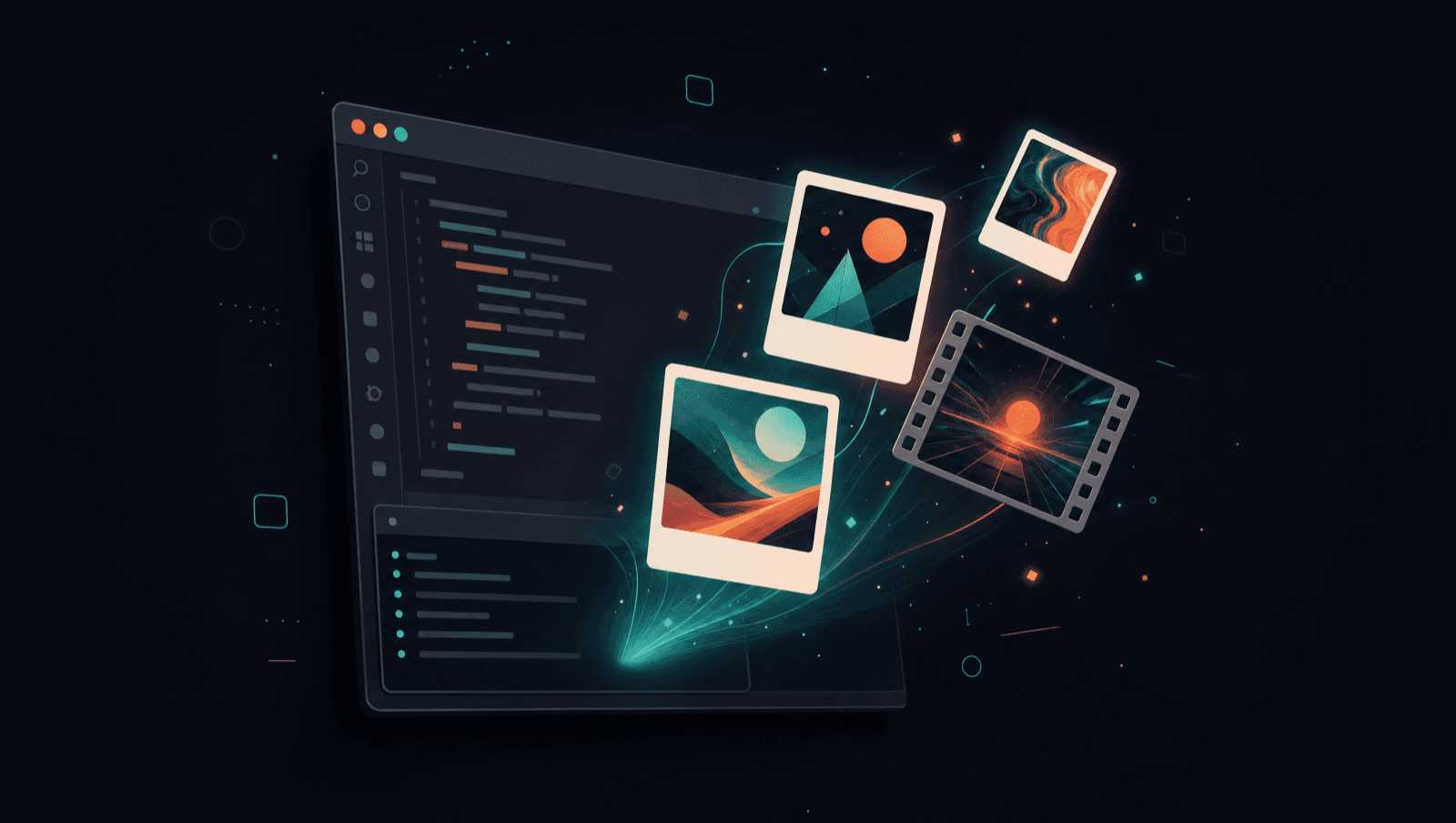
Most builders live in one place all day. The editor. The terminal. Claude Code running in the corner doing the heavy lifting.
The moment you need a piece of media, an image for a hero section, a short product video, a background clip, you break that flow. You leave for a separate tool, generate, download, re-import, and then try to find your place again.
Higgsfield removes that round trip. It exposes its entire AI media platform to Claude Code through an MCP server, so you can generate production images and video with plain language without ever leaving your editor.
What Higgsfield actually is
Higgsfield is an AI platform for generating images and video. The part that matters for builders is the range. Instead of being locked to one model, you get a single door to most of the frontier ones.
Image generation runs through models like Soul 2.0 for photorealism, Nano Banana Pro for clean text rendering, GPT Image 2, Seedream, and FLUX. Video runs through Sora 2, Veo 3.1, Kling 3.0, Seedance 2.0, and more. You do not need a separate account with each one. Higgsfield is the single account, and Claude Code is the remote control.
Why MCP is the unlock
MCP, the Model Context Protocol, is the standard that lets Claude Code talk to outside tools in a structured way. A tool exposes itself as an MCP server, Claude Code connects to it, and from then on the tool's actions are simply things Claude can do.
Higgsfield runs an MCP server at https://mcp.higgsfield.ai/mcp. Once Claude Code is connected, generating media stops being a separate app and becomes a capability inside your normal workflow, sitting right next to reading files and running commands.
The shift is simple. Generating media used to be a destination you navigated to. Now it is a sentence you type where you already work.
What you can do once it is connected
- Generate images from a text description or a reference image, up to 4K, in any aspect ratio
- Generate video up to 15 seconds across cinematic styles and presets like UGC, unboxing, and product spots
- Train a Soul Character once and reuse the same face and look across a whole campaign
- Turn a product URL into a finished marketing video
- Browse your full generation history so you can iterate instead of starting over
How to connect it to Claude Code
The cleanest path for Claude Code is the CLI. Add the Higgsfield MCP server with one command:
claude mcp add --transport http higgsfield https://mcp.higgsfield.ai/mcpThen authenticate. Open the MCP menu inside Claude Code and connect the Higgsfield server. It signs you in through your Higgsfield account in the browser, so there are no API keys to copy or store.
/mcpIf you prefer a desktop client, the same server works through the Connectors UI. Open Settings, then Connectors, add a custom connector named Higgsfield with the URL above, click Connect, and sign in.
Talking to it
Once connected, you describe what you want in normal language and let Claude Code handle the model choice and the parameters. A real example:
Generate three 9:16 product hero shots with the headline
"Sleep cooler tonight" on the bottle, then four 15-second
TikTok videos of the same product using Kling 3.0.
You can be as loose or as precise as you like. Name a model when you care which one runs, or leave it out and let Claude pick a sensible default for the job.
Why this matters if you build
I already treat AI as a force multiplier on real work. This is the same idea pointed at media. The value is not that the clips are generated by AI. It is that the generation happens where the rest of the build already lives, with no context switch and no download dance.
For a landing page, that means I can draft the hero image, generate a short background loop, and wire it into the component without leaving the project. For a client campaign, I can spin up a consistent character and a batch of social videos in the same session where I am writing the code that ships them.
The studio moved into the IDE. The faster the loop between idea and asset, the more directions you can try in a day.
If you build with Claude Code and you touch media at all, this is worth an afternoon to set up. It collapses one of the last big context switches left in a modern build.
Want help implementing this?
I help B2B companies implement AI solutions that actually move metrics, not science projects. If this guide resonated, let's talk about what it looks like for your business.
Get in touch